 Retriever
A native Paw alternative for Mac.
Retriever is a free native Mac API client with local JSON files and nothing to activate. If you are moving from Paw / RapidAPI for Mac, use a Postman Collection export to bring your requests across. This guide explains what transfers and what needs attention.
Moving from Paw
- In Paw: File → Export All Requests → Postman Collection… and save the
.json. - In Retriever: File → Import… (⌘O) and drop in the file.
- Pick the environment and variables, and re-add your secrets.
Tested on a Postman v2.1 fixture, not a real Paw export. I have not run this against a real Paw workspace yet. Not verified: whether environments, auth settings and dynamic values (Paw-specific values, response chaining) survive the export; expect to re-create dynamic values with Retriever's {{$uuid}} / {{@Request.body…}} syntax.
Why Retriever
Paw was loved for three things: it was a real Mac app, your work lived in a file you owned, and you paid once. Retriever is built for the people Paw left behind: native Swift, plain JSON files on your disk, no account, and free. Its bundled MCP server also lets AI agents work with your requests.
1. Export from Paw
In RapidAPI for Mac choose File → Export All Requests → Postman Collection… and pick version 2.1. Do this for each project. If you use environments, and if your Paw build offers it, export those too: File → Export → Postman Environment.
Paw's own .paw project format is proprietary and undocumented, so Retriever does not read it. Retriever's Postman importer can handle folders, requests, headers, bodies, query parameters, auth including OAuth 2 settings, and {{variables}} — tested on a Postman v2.1 fixture, not yet verified against a real Paw export.
2. Import into Retriever
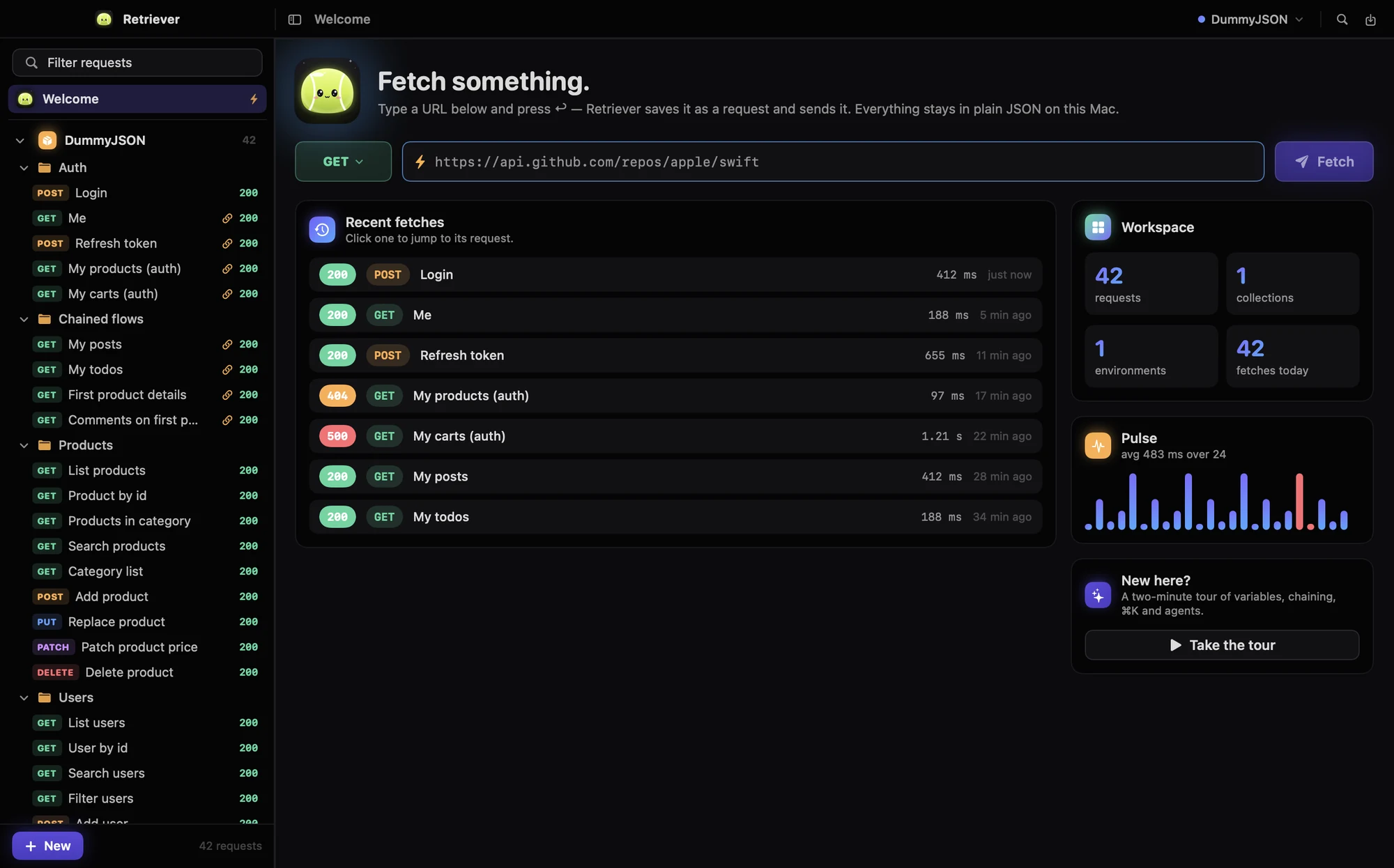
Press ⌘O, then paste the JSON or click Open File…. Collections appear in the sidebar. If the file contains environments, they should become selectable from the toolbar (tested on a Postman v2.1 fixture only). A collection variable named baseUrl becomes the collection's base URL automatically.
3. What maps to what
Retriever's equivalent for each Paw concept; whether a real Paw export carries each item through is unverified.
| In Paw | In Retriever |
|---|---|
| Project | Collection |
| Group | Folder |
| Environment domain and environments | Environments, one active at a time, switched from the toolbar |
| Environment variable | {{name}}, same syntax |
| Dynamic value: UUID | {{$uuid}} |
| Dynamic value: Timestamp | {{$timestamp}}, {{$timestampMs}}, {{$isoTimestamp}} |
| Dynamic value: Random | {{$randomInt(1,100)}}, {{$randomString(16)}} |
| Dynamic value: Base64 | {{$base64(text)}} |
| Response Parsed Body (chaining) | {{@Request Name.body.path.to.value}}. Right-click a value in a response and choose Copy as Chain Reference. |
| Response Header | {{@Request Name.header.Name}} |
| HTTP Basic, bearer tokens | Auth tab: Basic, Bearer or API key, or inherit the collection default |
| OAuth 2 (any grant) | Auth tab: OAuth 2.0. Authorization code with PKCE, client credentials, device code, password or refresh token, with automatic refresh |
| Code generator extensions | ⇧⌘C: cURL, Swift, JavaScript, Node.js, Python, Go, HTTPie |
What Retriever doesn't do yet
- Custom JavaScript dynamic values and Paw extensions
- GraphQL subscriptions
- Interactive client and bidirectional gRPC streaming
- Client certificates for WebSocket and gRPC connections
Everything that is in: the full feature list. If one of these blocks your move, email me. The order of the roadmap is set by what migrating users run into first.
Get it
Free, in full. No license key, no account, no subscription, no feature behind a paid tier. A signed and notarized DMG for macOS 15 or later: download it, drag Retriever to Applications, done.